Asynchronous .NET Client Libraries for Your HTTP API and Awareness of async/await's Bad Effects
Writing asynchronous .NET Client libraries for your HTTP API and using asynchronous language features (aka async/await) and some deadlock issue you might face.
21 September 2012
9 minutes read
Related Posts




Haven’t you shot yourself in the foot yet with async/await? If not, you are about to if you are writing a client library for your newly created ASP.NET Web API application with .NET 4.5 using new asynchronous language features.
I wrote a blog post couple of months ago on the importance of Current SynchronizationContext and the new C# 5.0 asynchronous language Features (aka async/await). I wrote that post just after I watched the The zen of async: Best practices for best performance talk of Stephen Toub on //Build 2011 and that was one of the best sessions that I was and still am glad to watch. I learnt so many things from that session and some of them was amazingly important.
Filip Ekberg also has a very nice and useful blog post which has an identical title as my previous post on the topic: Avoid shooting yourself in the foot with Tasks and Async.
The post was pointing out that it is extremely easy to end up with a deadlock if you are not careful enough. The post explains every details but if want to recap shortly, here it is:
When you are awaiting on a method with await keyword, compiler generates bunch of code in behalf of you. One of the purposes of this action is to handle synchronization with the UI thread. The key component of this feature is theSynchronizationContext.Current which gets the synchronization context for the current thread. SynchronizationContext.Current is populated depending on the environment you are in. The GetAwaiter method of Task looks up for SynchronizationContext.Current. If current synchronization context is not null, the continuation that gets passed to that awaiter will get posted back to that synchronization context.
When consuming a method, which uses the new asynchronous language features, in a blocking fashion, you will end up with a deadlock if you have an available SynchronizationContext. When you are consuming such methods in a blocking fashion (waiting on the Task with Wait method or taking the result directly from the Result property of the Task), you will block the main thread at the same time. When eventually the Task completes inside that method in the threadpool, it is going to invoke the continuation to post back to the main thread because SynchronizationContext.Current is available and captured. But there is a problem here: the UI thread is blocked and you have a deadlock!
The post also has a sample but I want dig deep into this. As you all know, ASP.NET Web API RTW version has been shipped couple of weeks ago and we may have started to take advantage of this framework to build our HTTP-based lightweight APIs. You might be using another framework to create your APIs or you might be maintaining an existing one. No matter which category you put yourself in, you are likely to build platform specific client libraries for your API. If you are going to target .NET framework, I am 90% sure that you want your client library to be asynchronous and new HttpClient will just give you that option.
I have started writing a simple blog engine for myself called MvcBloggy nearly a year ago and after the RTW release of the ASP.NET MVC 4 and ASP.NET Web API, I decided to try something different and expose the data through HTTP. So, my ASP.NET MVC application won’t know anything about where my data is store or how I retrieve it. It is just going to consume the HTTP APIs. The application is shaping up nicely and I even started to build my .NET client for the API as well.
Couple of days ago, Ben Foster (a brilliant developer) raised a question on Twitter about consuming asynchronous methods on ASP.NET Web Pages application and I also wondered about that. Then, we looked around a bit and also contacted with Erik Porter (@HumanCompiler), Program Manager on the ASP.NET team, and he confirmed that it is not possible today. He encouraged us to file an issue and we did (#418). This got me thinking about my little project’s .NET client, though. What if I wanted to create a blog web site with ASP.NET Web Pages by consuming the .NET client of my blog engine? I have no option rather than consuming the methods in a blocking fashion but with my current implementation, I am not able to do that because I will end up with deadlocks. Let me prove that to you with a little example which you can also find up on GitHub: AsyncAwaitForLibraryAuthors.
Assuming we have a little API which returns back a list of cars and we want to build a .NET client to consume the HTTP API and abstracts all the lower level HTTP stuff away. The one that I created is as below (it is a simple one for the demo purposes):
public class Car {

    public int Id { get; set; }
    public string Make { get; set; }
    public string Model { get; set; }
    public int Year { get; set; }
    public float Price { get; set; }
}

public class SampleAPIClient {

    private const string ApiUri = "http://localhost:17257/api/cars";

    public async Task<IEnumerable<Car>> GetCarsAsync() {

        using (HttpClient client = new HttpClient()) {

            var response = await client.GetAsync(ApiUri);

            // Not the best way to handle it but will do the work for demo purposes
            response.EnsureSuccessStatusCode();
            return await response.Content.ReadAsAsync<IEnumerable<Car>>();
        }
    }
}
We leveraged the new asynchronous language features and we were able to write a small amount of code to get the job done. More importantly, we are making the network call and the deserialization asynchronously. As we know from the earlier sentences that if there is a SynchronizationContext available for us, the code that the compiler is generating for us will capture that and post the continuation back to that context to be executed. Keep this part in mind. I put this little class inside a separate project called SampleAPI.Client and reference this from my web clients. I have created two clients: one ASP.NET MVC and one ASP.NET Web Pages applications.
In my ASP.NET MVC 4 application, I have a controller which has two actions. One of these actions will call the API asynchronously and one of will do the same by blocking:
public class HomeController : Controller {

    public async Task<ViewResult> CarsAsync() {

        SampleAPIClient client = new SampleAPIClient();
        var cars = await client.GetCarsAsync();

        return View("Index", model: cars);
    }

    public ViewResult CarsSync() {

        SampleAPIClient client = new SampleAPIClient();
        var cars = client.GetCarsAsync().Result;

        return View("Index", model: cars);
    }
}
Our view is also so simple as follows:
@model IEnumerable<SampleAPI.Client.Car>
@{
    ViewBag.Title = "Home Page";
}

<h3>Cars List</h3>

<ul>
    @foreach (var car in Model) {
        <li>
            @car.Make, @car.Model (@car.Year) - @car.Price.ToString("C")
        </li>
    }
</ul>
When we navigate to /home/CarsAsync, we will get back the result.
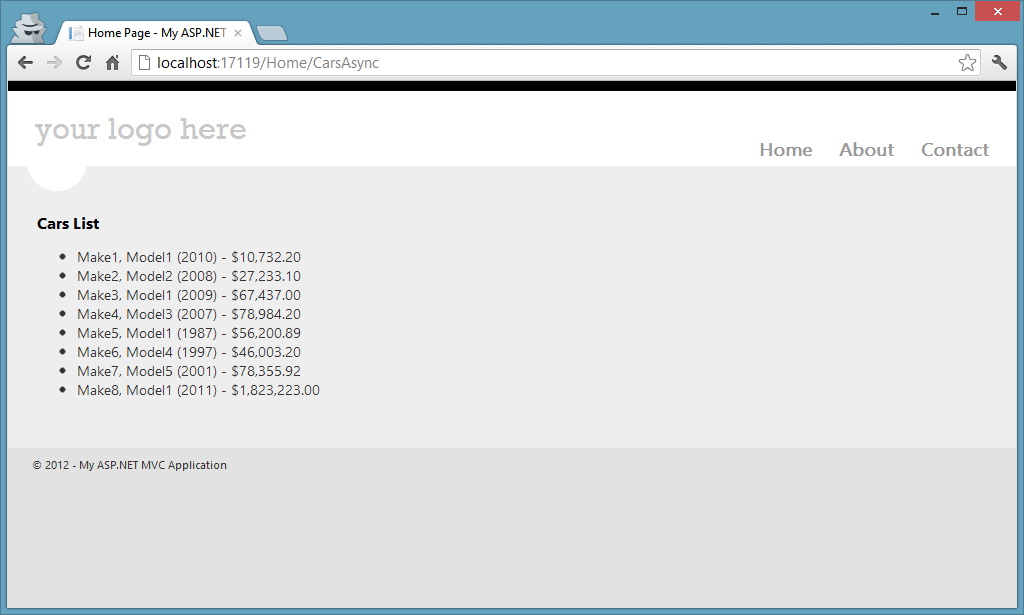
However, when we navigate to /home/CarsSync to invoke the CarsSync method, we will see that the page will never come back because we just introduced a deadlock due to the reasons we have explained earlier. Let’s have a look at the Web Pages sample:
@{
    Layout = "~/_SiteLayout.cshtml";
    Page.Title = "Home Page";

    SampleAPI.Client.SampleAPIClient client = new SampleAPI.Client.SampleAPIClient();
    var cars = client.GetCarsAsync().Result;
}

<h3>Cars List</h3>

<ul>
    @foreach (var car in cars) {
        <li>
            @car.Make, @car.Model (@car.Year) - @car.Price.ToString("C")
        </li>
    }
</ul>
This page is also not going to respond because Web Pages runs under ASP.NET and ASP.NET has a SynchronizationContext available.
When we take a look at our GetCarsAsync method implementation, we will see that it is completely unnecessary for us to get back to current SynchronizationContext because we don’t need anything from the current context. This is good because it is not our (I mean our .NET client’s) concern to do anything under the current SynchronizationContext. It is, on the other hand, our consumer’s responsibility. Stephen Toub said something in his talk on //Build 2011 and the words not the same but it expresses the meaning of the below sentences:
If you are a library developer, the default behavior which await gives you is nearly never what you want. However, if you are a application developer, the default behavior will nearly always what you want.
I, again, encourage you to check that video out.
The solution here is simple. When we are creating our libraries, we just need to be more careful and think about the usage scenarios. In our case here, we need to suppress the default SynchronizationContext behavior that the compiler is generating for us. We can achieve this with ConfigureAwait method of the Task class which was introduced with .NET 4.5. The ConfigureAwait method accepts a Boolean parameter named as continueOnCapturedContext. We can pass false into this method not to marshal the continuation back to the original context captured and our problem would be solved. Here is the new look of our .NET client for our HTTP API.
public class SampleAPIClient {

    private const string ApiUri = "http://localhost:17257/api/cars";

    public async Task<IEnumerable<Car>> GetCarsAsync() {

        using (HttpClient client = new HttpClient()) {

            var response = await client.GetAsync(ApiUri)
                .ConfigureAwait(continueOnCapturedContext: false);

            // Not the best way to handle it but will do the work for demo purposes
            response.EnsureSuccessStatusCode();
            return await response.Content.ReadAsAsync<IEnumerable<Car>>()
                .ConfigureAwait(continueOnCapturedContext: false);
        }
    }
}
When we now run our Web Pages application, we will see the web site working nicely (same is also applicable for the CarsSync action method of our ASP.NET MVC application).
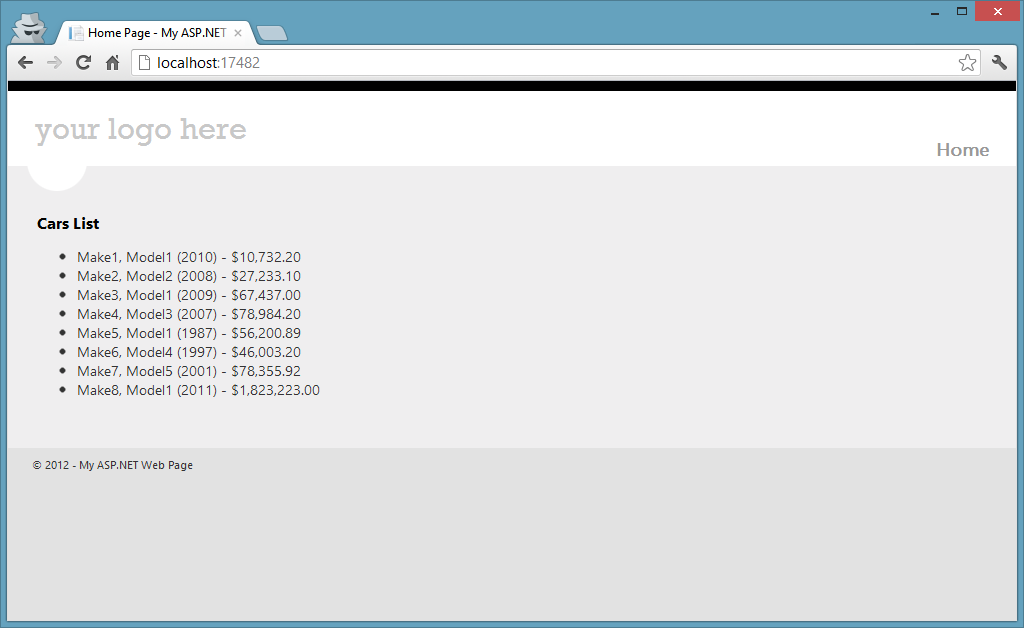
If you are going to write a .NET client for your company’s big HTTP API using new asynchronous language features, you might want to consider these facts before moving on. Otherwise, your consumers will have hard time understanding what is really going wrong.

Hey, I'm Tugberk 👋
Coder 👨🏻💻, Speaker 🗣, Author 📚, ex-Microsoft MVP 🕸, Blogger 💻
I live in London, UK 🏡
